Visit your optometrist if you experience blurry vision
Check your eyes with your optician or your eye doctor if you experience blurry vision or any other symptoms and follow their recommendations. You should get at least one eye exam every year.
Rest your eyes app helps you get rid of Computer Vision Syndrome with the 20 20 20 rule.
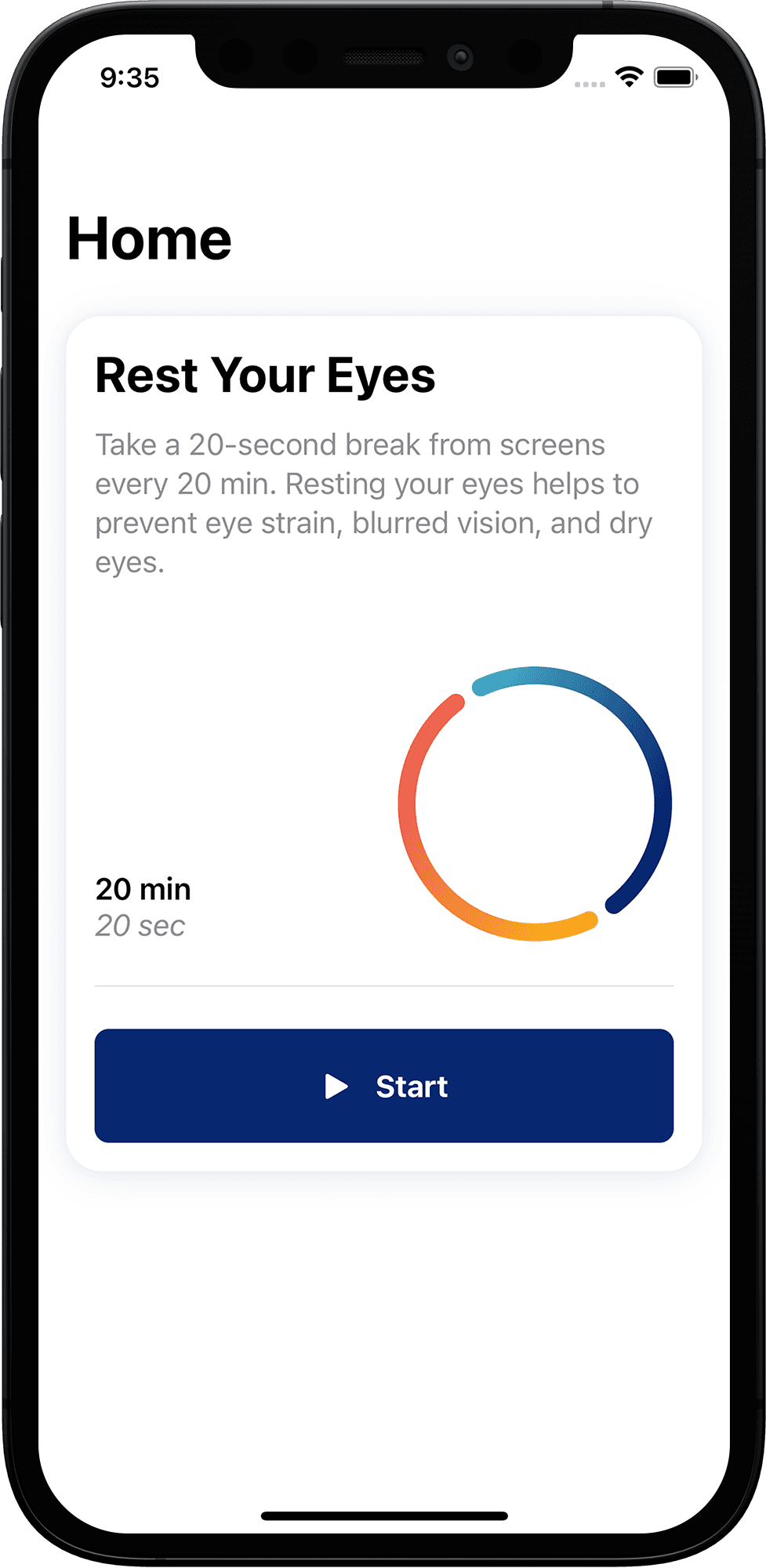
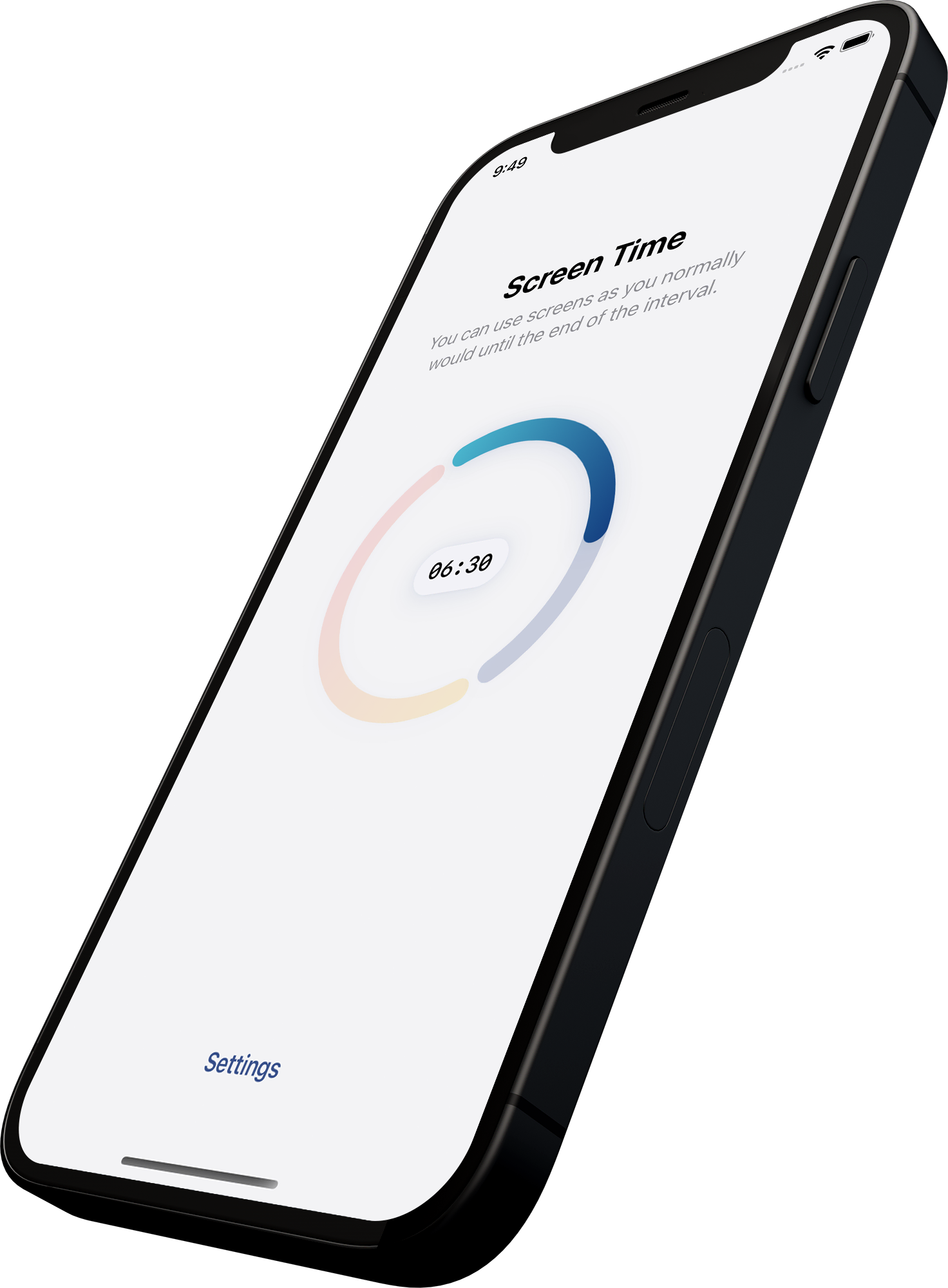

You can work with screens like you normally would. The App will notify you at the end of your Work Interval.

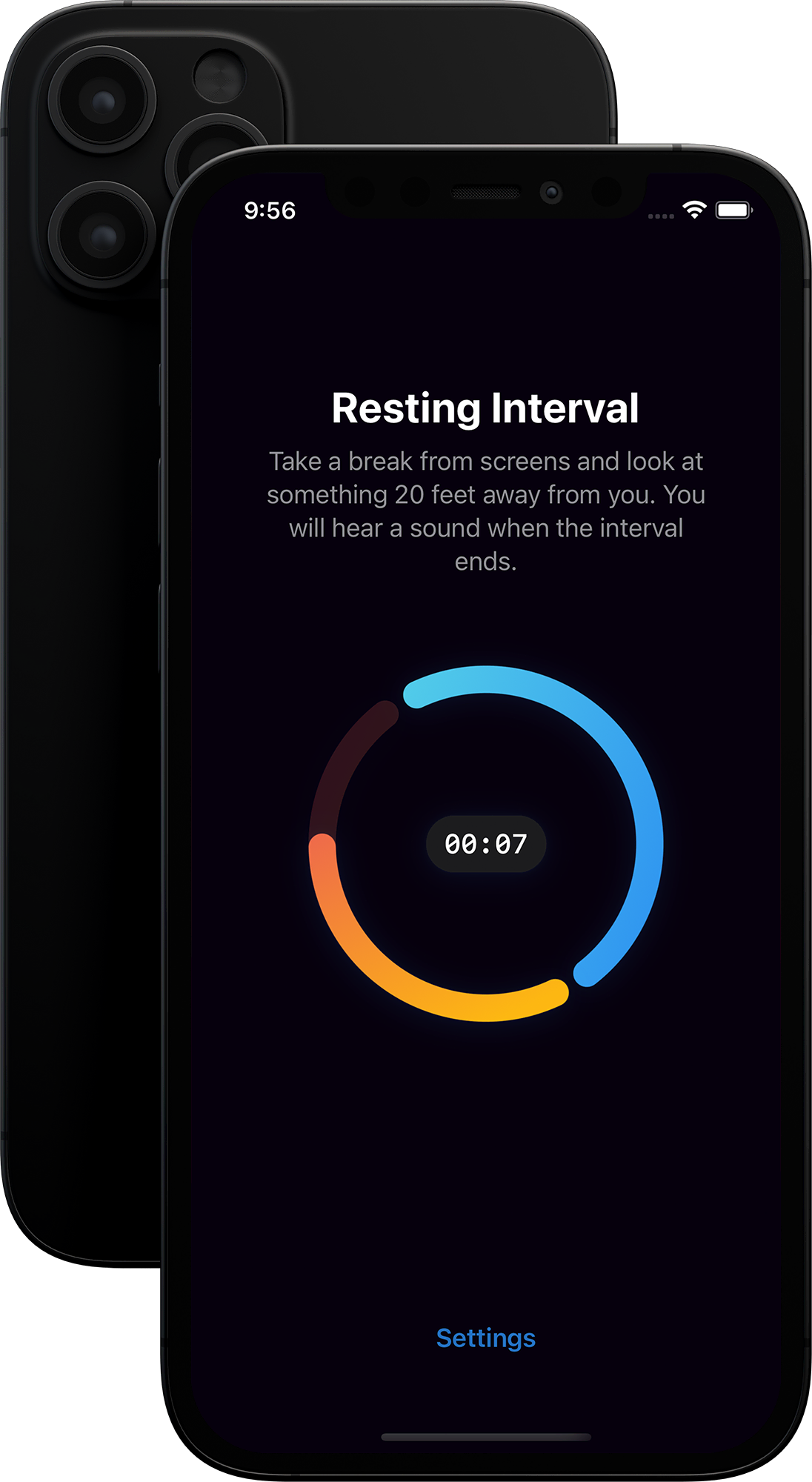
Take a break from screens and look something 20 feet (6 meters) away.

Back to Work! Repeat the process while you work with screens.
Eye strain, dry eyes or blurry vision are symptoms related to the Computer Vision Syndrome. These are some of the most common when working with computers the whole day.
Rest Your Eyes app for iOS helps you prevent them with the 20 - 20 - 20 rule.

Check your eyes with your optician or your eye doctor if you experience blurry vision or any other symptoms and follow their recommendations. You should get at least one eye exam every year.
Dark mode is not more effective than Light Mode, but it looks nice.